

Enhance your planning processes with Calendar Planner standard. Visualise key dates and milestones from SharePoint seamlessly.
Estimated reading time: 5 minutes
Keeping shared schedules aligned across teams
A Calendar Planner usecase: In healthcare, project delivery, and professional services environments, teams already track projects, services, and delivery windows. The information exists, but it is often stored as rows in a list. Overlaps, capacity constraints, and sequencing issues are hard to see until they become problems.
How Calendar Planner fits
Calendar Planner does not introduce a project management framework or impose a methodology.
It simply visualises time-based relationships that already exist in SharePoint data. Timeline-style views make duration, overlap, and sequencing visible without changing how teams manage their work.
As plans change, the views update automatically. Teams continue working in SharePoint as they always have.
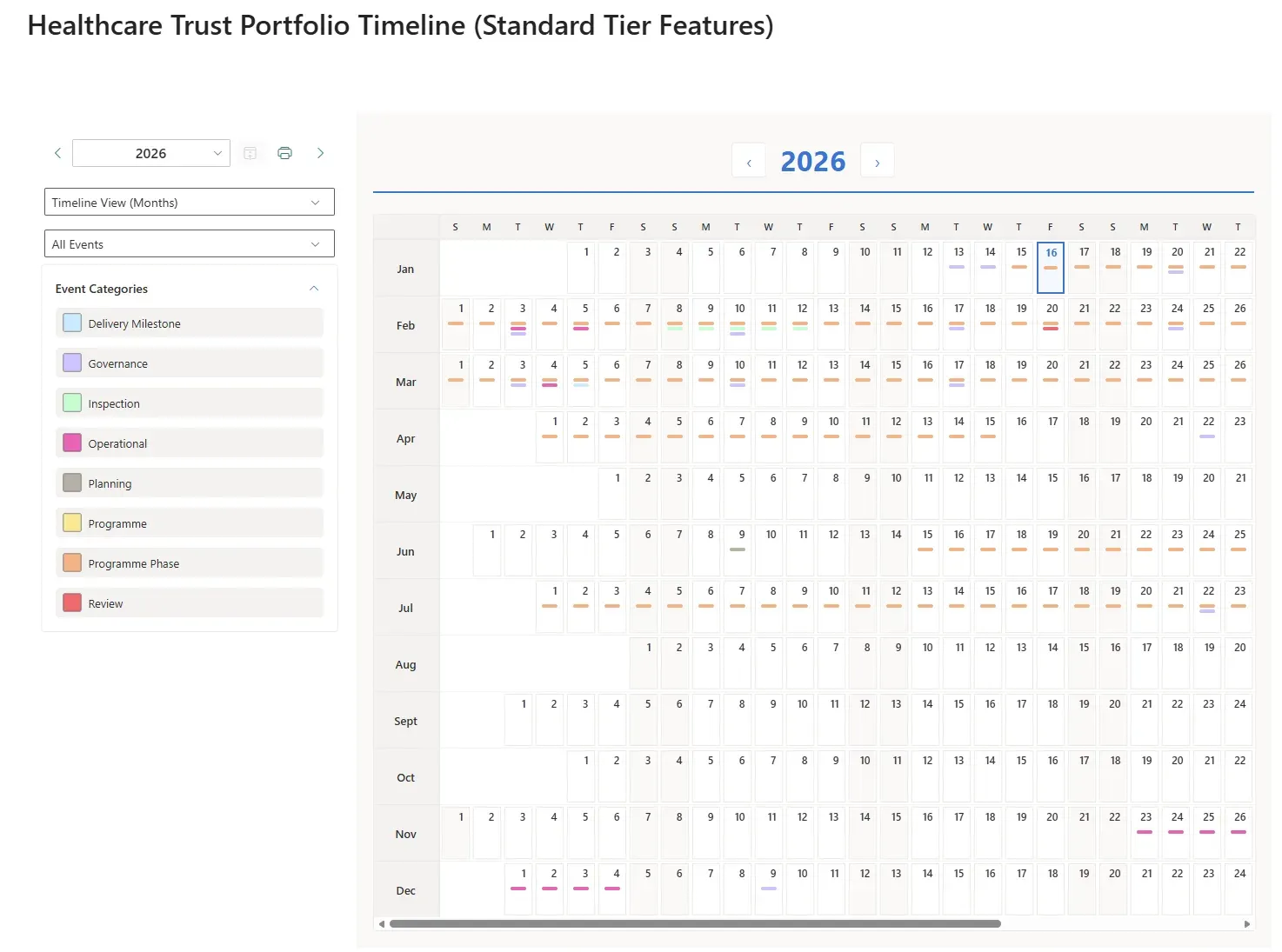
This screenshot shows Calendar Planner's monthly timeline view
Why this feels low risk
What this enables
This approach works well for healthcare providers, PMOs, research organisations, consulting teams, and any environment where timing and coordination matter.
A project management scenario (Standard Edition)
A programme or PMO team needs to coordinate activity across the year and keep shared schedules accurate as plans change.
Keeping shared schedules aligned as plans evolve
In programme and delivery environments, dates change regularly. Reviews move, delivery phases shift and operational constraints emerge. When shared views fall behind reality, confidence in those views quickly drops.
With the Standard Calendar Planner tier, teams can present existing SharePoint planning information through interactive month and timeline views that update automatically as changes are made. The same underlying data can be viewed in different ways, depending on the audience and the level of detail required.
This allows teams to maintain a single source of planning information while giving stakeholders a view that stays in step with day-to-day changes, without maintaining multiple versions or republishing schedules.
This screenshot shows a weekly timeline view
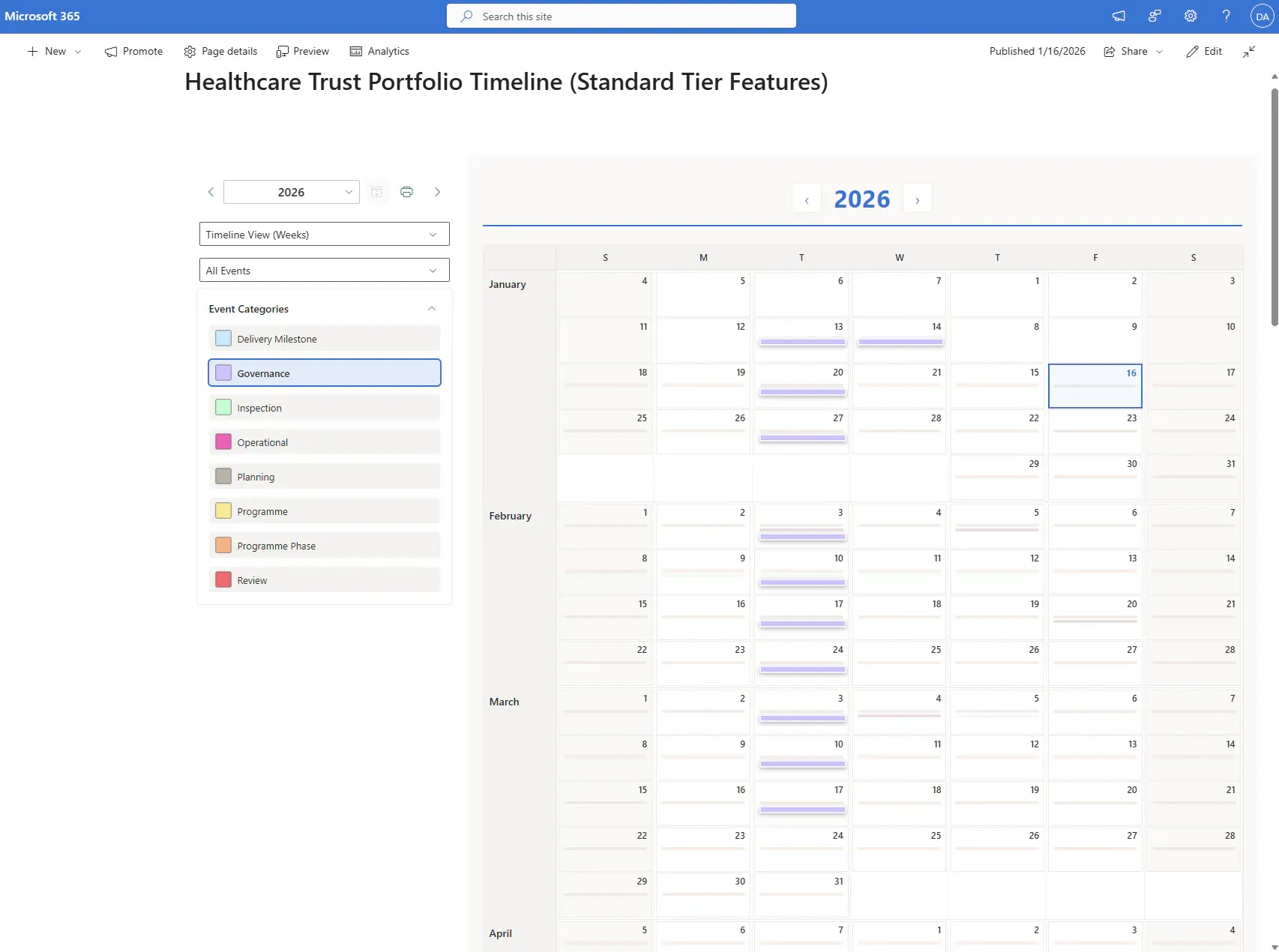
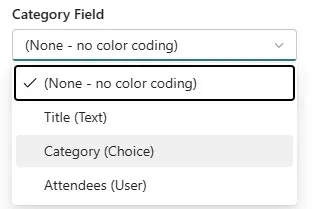
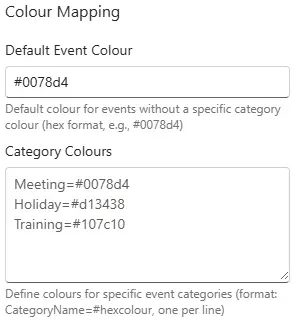
Custom coloured labels quickly filter information
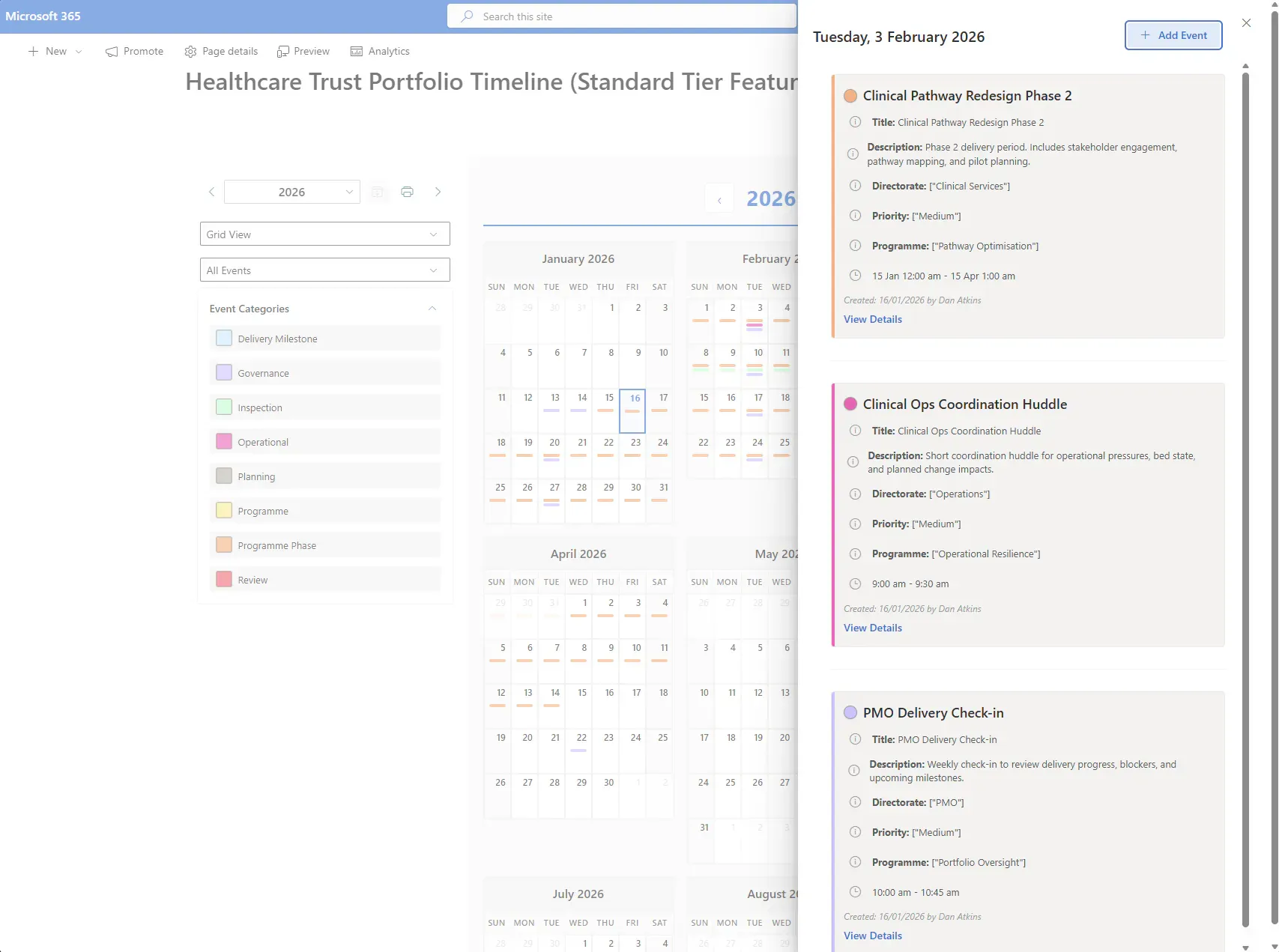
With the Standard Edition, add new events directly
When creating new list items, add all necessary details
Include description, categories, priority, attachments and more
Categories can act as a highlighted cross-reference
Track +/-10 years of history and schedules in advance
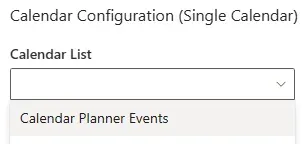
Calendar Planner can be added to MS Teams Channels
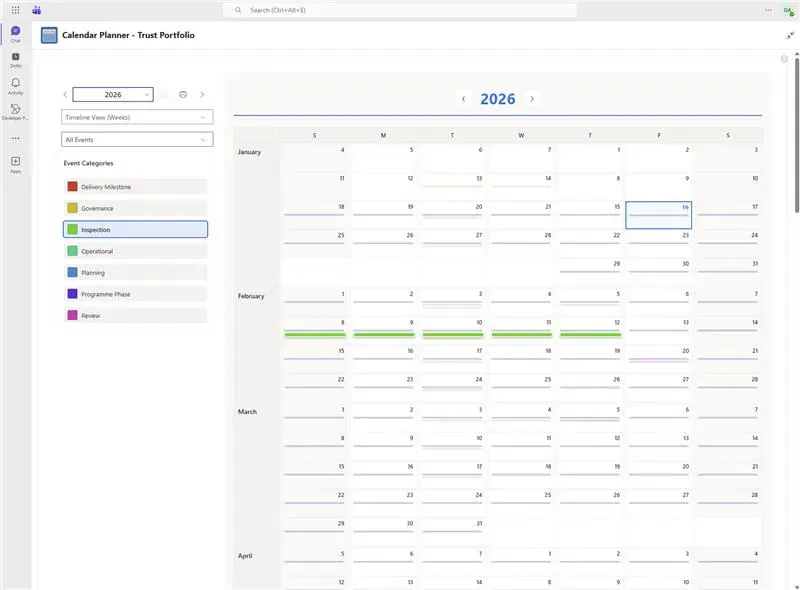
Displayed as a tab in any chosen Teams Channel
Calendar Planner does not try to replace how organisations plan. It quietly improves how existing planning information is seen. There is no new system to manage, no data migration, and no lock-in. If it's removed, nothing breaks. That's why it fits naturally into organisations that value stability, governance, and gradual improvement.
Calendar Planner for SharePoint -- Standard Edition
Get Calendar Planner Standard Edition
Everything in Free, plus powerful planning tools -- from £2.28 per user.