

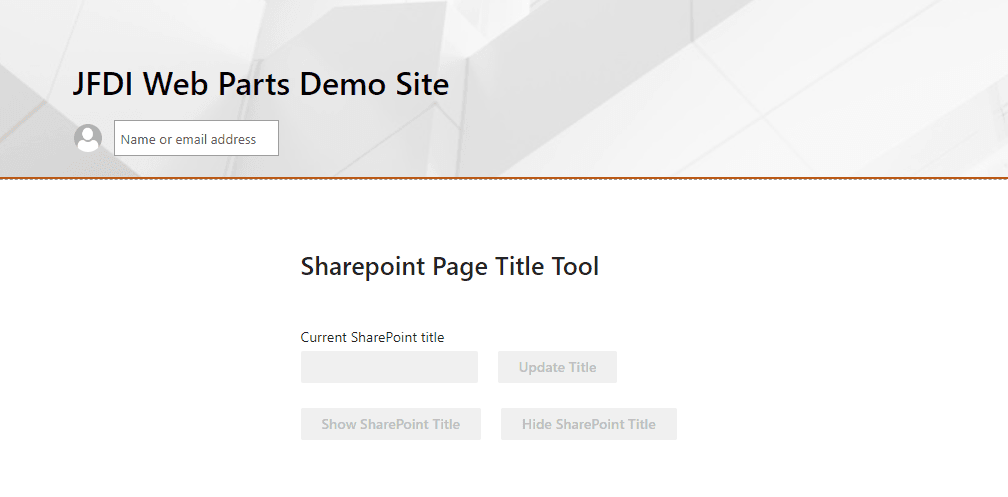
Use case
This example use case illustrates the web part, which is only visible when in edit mode of a SharePoint page to hide the current SharePoint site title.
SharePoint is a powerful platform for businesses to collaborate and share information
Elevate user experience, optimise visual presentation and the pages' real estate, and empower your users to navigate and engage with your content effortlessly.
Upgrade your SharePoint page title management with Page Title Tool
This powerful web part offers even more functionality and control over page titles. Optimise the visual presentation of your pages, allowing your content to take centre stage and deliver a focused user experience. Enhance the overall look and feel, creating an immersive experience that captivates your users.
Features
Page title customisation
Take page title customisation to the next level.
Visually stunning experience
Create a visually stunning experience by reclaiming page real estate.
Compatibility
Accessibility
Our web parts are designed and developed with accessibility in mind, ensuring that everyone can access and interact with them effectively.
At JFDI, we pride ourselves on creating inclusive and accessible digital experiences for all users. We understand the importance of web accessibility and are committed to adhering to the Web Content Accessibility Guidelines (WCAG) 2.1 AA standards. Read more...
Pricing
'Page Title Tool' Web Part (Standalone)
- 1 x Web Part for SharePoint/Teams
- Page Title Tool Web Part for Microsoft SharePoint and Microsoft Teams (Per Tenancy)
JFDI Web Parts for SharePoint UI/UX Bundle
- 11 x Web Parts for SharePoint/Teams
- All JFDI Web Parts available as standalone or bundled
- Enhance the intranet experience of your users
Frequently asked questions
Looking for other SharePoint solutions?
Over the years, JFDI has produced a wealth of solutions for SharePoint Server and Online. Many are available for individual or bundled purchases.